How to Activate ChillShot AI?
Welcome to ChillShot AI! Activating your license is simple and here we will guide you to activate the software. Before we start, you need to download and install the ChillShot AI application onto your computer.
Step 1: Launch the Application and Find Activation
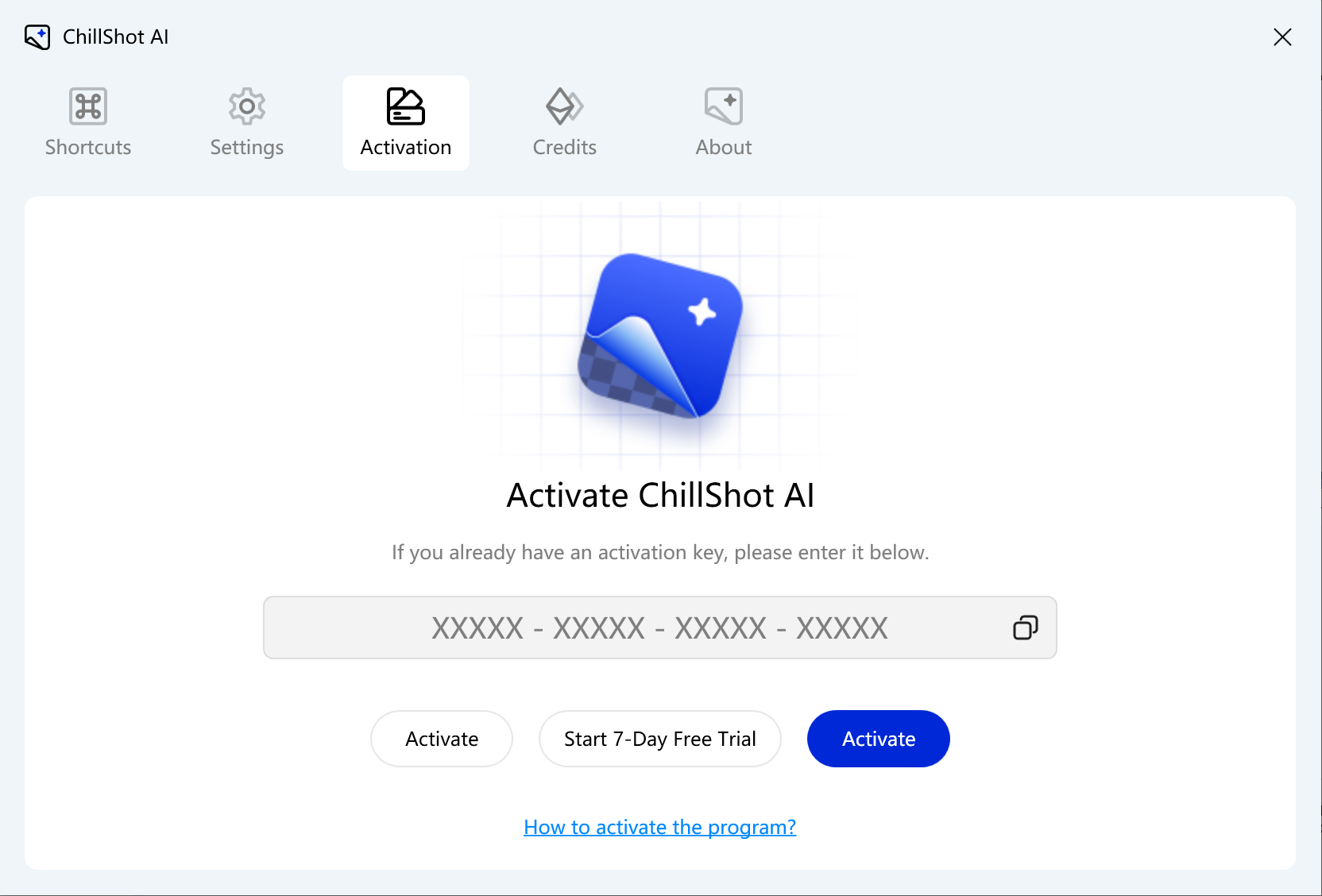
Launch ChillShot AI from your desktop, and click the Setting button in the panel. Switch to License tab.
Step 2: Enter Your License
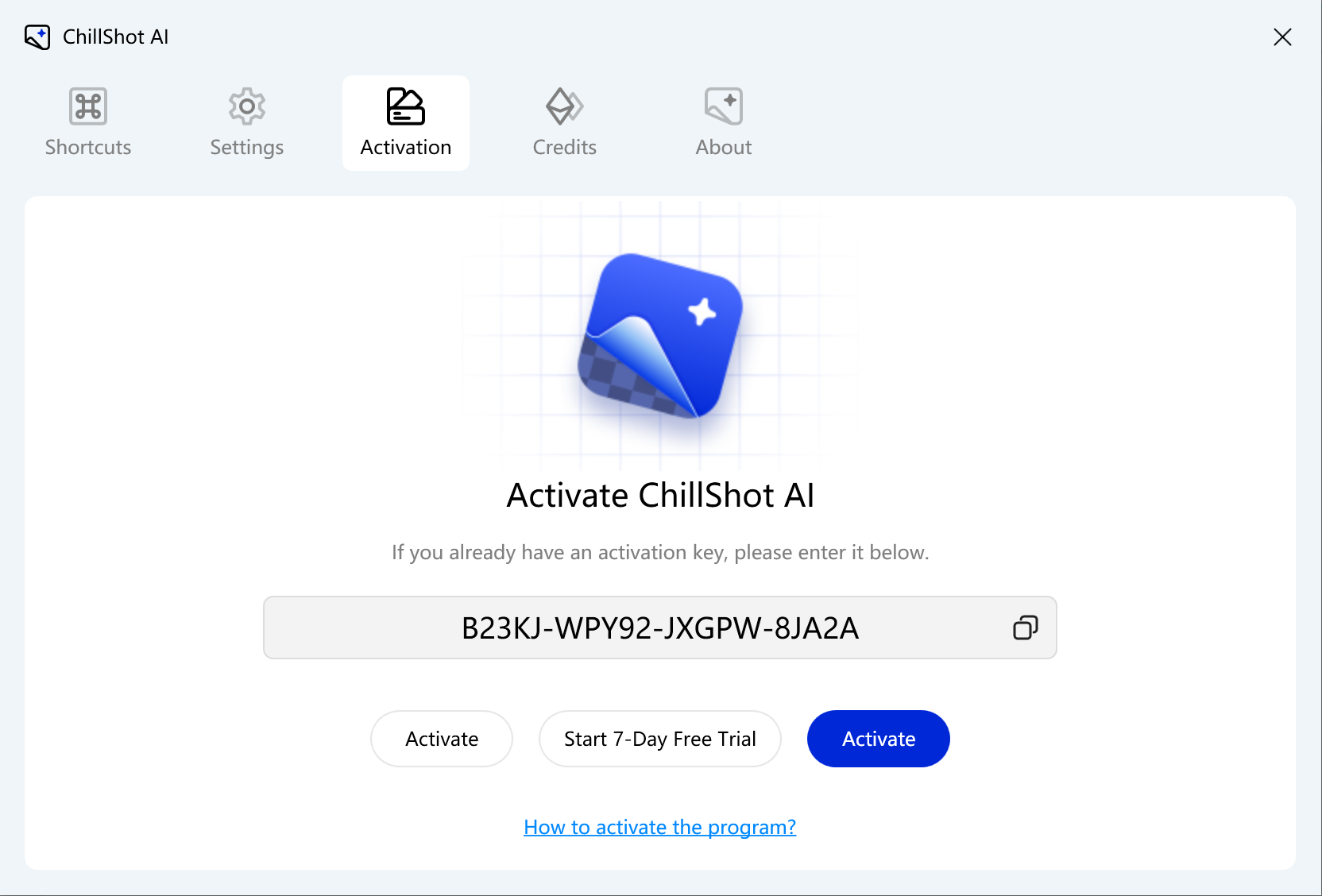
In the activation dialog box, you will see the required field. Enter or paste the activation key from your purchased confirmation email, and click Activate button to activate it.
Step 3: Confirm the Activation Status
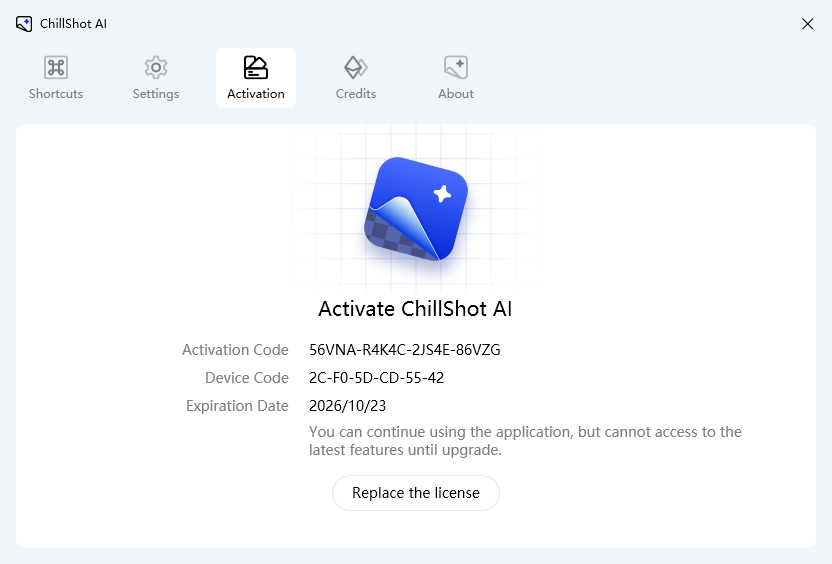
Once the license key is properly applied, you will see a confirmation notice, and all features within ChillShot AI will be immediately unlocked.
Need More Help?
If you encounter any issues during activation, please contact our customer team at "support@chilltool.com". We are always happy to help!